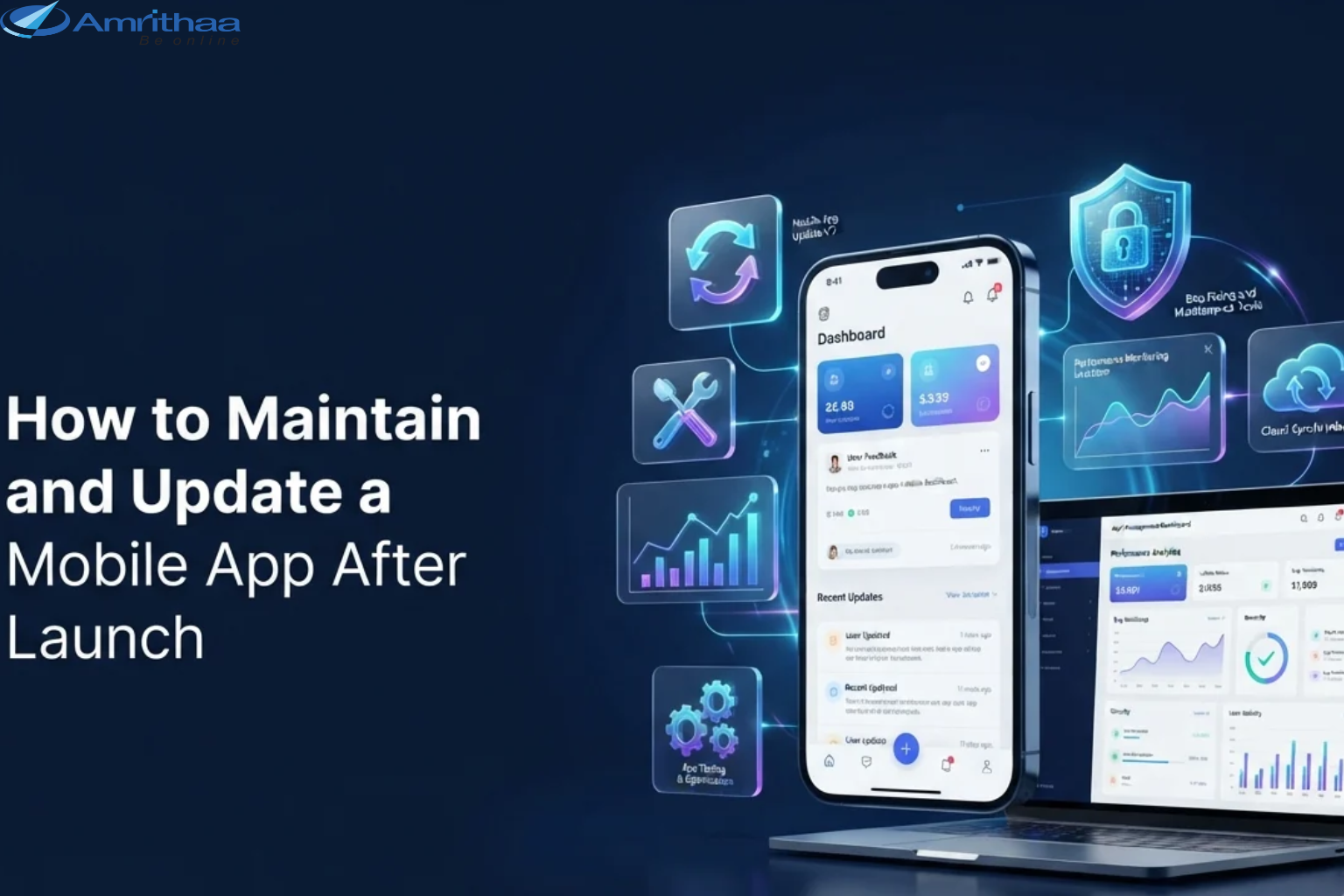
A mobile app launch is an important milestone, but it is not the end of the development process. After launching an app, businesses need to continuously monitor its performance, fix technical issues, improve security, introduce new features and provide a better user experience.
Regular mobile app maintenance helps ensure that an application remains reliable, secure, fast and compatible with the latest devices and operating systems. Without proper maintenance, even a well-designed app can experience performance problems, bugs, security vulnerabilities and declining user engagement.
In this blog, we will explore how to maintain and update a mobile app after launch, the key maintenance activities businesses should follow and why ongoing app support is important for long-term success.
After launching your mobile app, monitoring its performance should be a top priority. Performance monitoring helps identify technical issues before they negatively affect users.
Businesses should regularly track:
Using analytics and crash-reporting tools helps developers understand how users interact with the app and identify areas that need improvement.
A well-monitored application provides a smoother experience and helps businesses maintain user satisfaction.
No mobile application is completely free from bugs after launch. Users may discover issues that were not identified during the initial testing process.
Common mobile app issues include:
Developers should regularly review error reports, reproduce reported issues and release bug-fix updates.
Quickly resolving technical problems improves app stability and builds user confidence.
Mobile app security is essential because applications may handle personal information, login credentials, payment details and other sensitive data.
Businesses should follow security best practices, including:
Security should be part of every maintenance cycle rather than something addressed only when a problem occurs.
Regular security reviews help protect users and reduce the risk of data breaches.
Android and iOS regularly introduce new operating system versions, features and compatibility requirements. An app that works correctly today may experience issues after an operating system update.
To maintain compatibility, developers should:
Compatibility testing helps ensure that users can continue using the application across different devices without unnecessary problems.
User feedback is one of the most valuable resources for improving a mobile app. Reviews, ratings, support requests and in-app feedback can reveal what users like and what needs improvement.
Businesses should pay attention to:
Based on this feedback, developers can improve the interface, simplify user journeys and make important features easier to access.
Continuous user experience improvements help increase satisfaction and encourage users to keep using the app.
As a business grows, its mobile app may need additional features to meet changing customer expectations.
Depending on the business requirements, developers can introduce:
However, adding too many features at once can make an app complicated. Businesses should prioritise improvements based on user needs, business goals and performance data.
App speed has a direct impact on user experience. Slow loading screens, delayed responses and unnecessary resource consumption can frustrate users.
Developers should regularly optimise:
Performance optimisation helps the application run smoothly and reduces unnecessary resource usage.
Every new update should be tested properly before being released to users. An update that fixes one issue should not introduce another.
A good testing process includes:
Developers should also consider gradual rollouts where supported, allowing them to monitor an update before making it available to everyone.
Proper testing reduces the chances of release-related problems and helps maintain application quality.
App Store and Google Play reviews provide direct insights into customer experiences.
Businesses should regularly monitor reviews and respond to common concerns. Negative feedback can help identify recurring technical problems, missing features or usability issues.
Important activities include:
Actively managing app reviews demonstrates that the business values its users and takes their experiences seriously.
A mobile application depends on more than its user interface. Backend systems, APIs, databases, hosting environments and third-party integrations also require regular maintenance.
Businesses should ensure that:
Backend maintenance is especially important for eCommerce apps, booking platforms, business applications and apps that process customer information.
Mobile app maintenance should follow a planned schedule rather than being performed only when something goes wrong.
Here is a practical maintenance checklist:
| Frequency | Maintenance activity |
| Daily | Monitor crashes, errors and critical performance issues |
| Weekly | Review user feedback, app analytics and server health |
| Monthly | Check app performance, dependencies and security updates |
| Quarterly | Review features, compatibility and user experience |
| As needed | Release bug fixes, security patches and important updates |
The schedule may vary depending on the app’s complexity, business requirements and number of users.
Ongoing maintenance provides several long-term benefits:
Launching a mobile app is only the beginning of its journey. Regular maintenance, performance monitoring, security updates, bug fixes and feature improvements are essential for keeping an application reliable and useful.
Businesses that invest in ongoing mobile app maintenance can deliver a better user experience, protect customer information and adapt to changing technology requirements.
At Amrithaa, we understand the importance of maintaining mobile applications beyond launch. Our mobile app development and website and app maintenance services help businesses build, improve and support digital solutions according to their evolving requirements.
Visit www.amrithaa.com to explore our services and discover how we can support your digital growth.