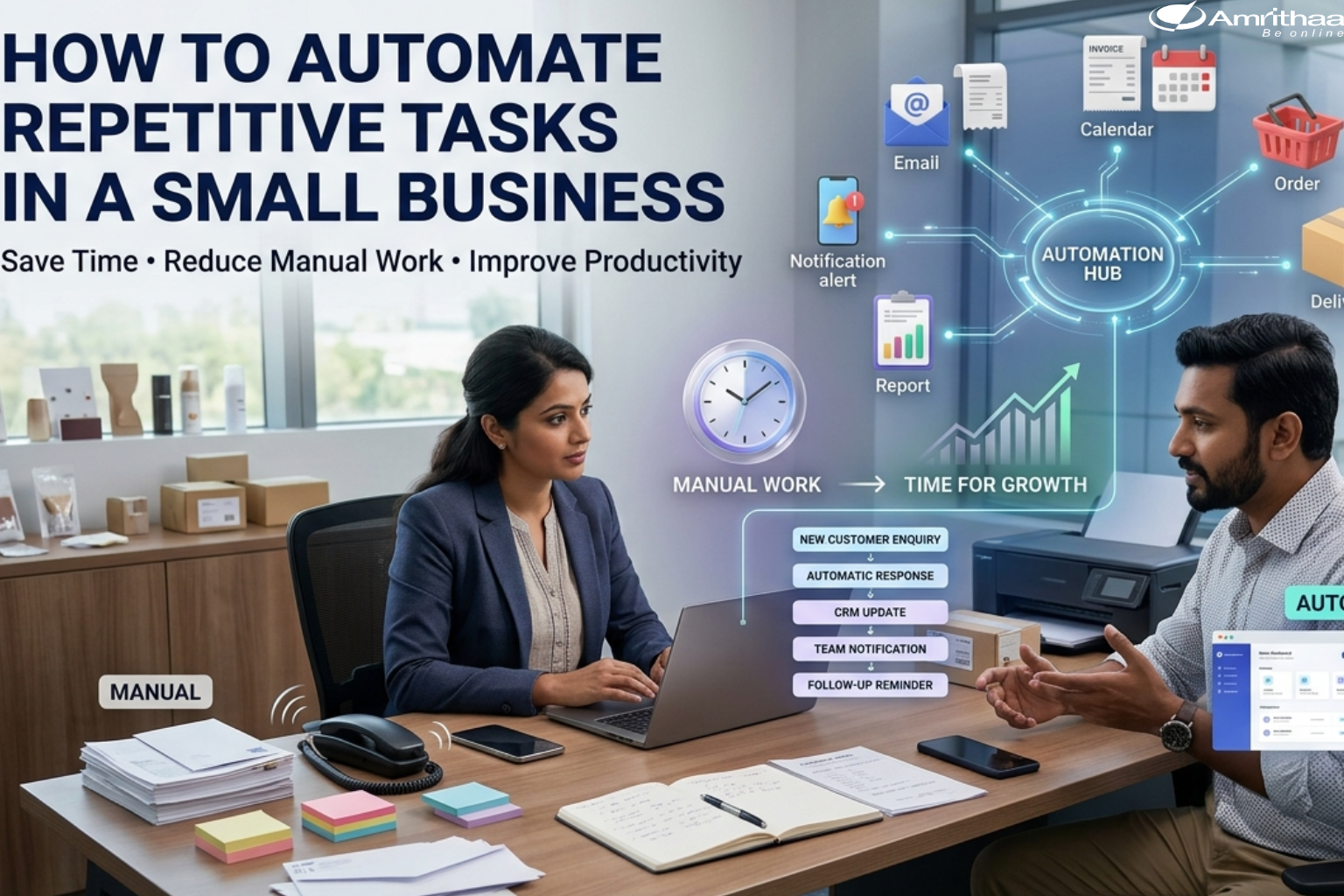
Small businesses often spend valuable time on repetitive tasks that happen every day. Sending follow-up emails, creating invoices, updating spreadsheets, responding to common customer questions, managing appointments and tracking orders can consume hours that could otherwise be spent on growth.
This is where business automation can make a significant difference.
Automation uses software, workflows and digital tools to perform routine tasks with less manual effort. The goal is not to replace people. Instead, it helps small teams reduce repetitive work, minimize errors and focus more time on customers, strategy and business development.
A repetitive task is an activity that follows a predictable process and needs to be performed regularly.
Common examples include:
Before automating a task, businesses should understand how the process currently works.
Ask: How often is this task performed? How much time does it take? Does it follow the same steps every time?
If the answer is yes, it may be a good candidate for automation.
Not every business process needs automation. A good approach is to begin with tasks that are repetitive, time-consuming and easy to define.
For example, imagine a small online store.
When a customer places an order, several actions may need to happen:
New Order → Payment Confirmation → Customer Notification → Inventory Update → Order Processing → Delivery Update
Instead of manually performing every step, automation can connect these activities through a digital workflow.
Another example is lead management:
New Enquiry → Lead Added → Confirmation Email → Sales Notification → Follow-Up Reminder
This can help ensure that enquiries don’t get forgotten.
Start with one or two high-volume tasks, measure the improvement and gradually automate additional processes.
Automated emails and notifications can handle common communication such as order confirmations, appointment reminders, welcome messages and follow-ups.
This allows businesses to provide faster communication without requiring employees to manually send every message.
Businesses can automate invoice creation and payment notifications based on completed orders or services.
For example:
Order Completed → Invoice Generated → Payment Notification → Customer Receipt
This can reduce manual data entry and make financial administration more organized.
Marketing automation can help businesses schedule social media content, send email campaigns and follow up with leads.
Businesses can also create workflows based on customer actions. For example, a visitor who submits a form could automatically receive a confirmation message while the sales team receives a notification.
Service businesses can automate booking confirmations, reminders and follow-up messages.
This can reduce missed appointments while giving customers a convenient experience.
A professional website can become the central point for many automated processes.
For an eCommerce business, automation can connect:
Website → Product → Cart → Payment → Order → Customer Notification → Delivery
For service businesses, the website can connect enquiry forms, bookings, customer notifications and internal follow-ups.
At Amrithaa, businesses can explore website development, eCommerce development, mobile app development and digital solutions that can support automated business workflows. Visit amrithaa.com to learn more.
The biggest advantage of automation is time savings.
When employees spend less time on repetitive administrative tasks, they can focus on activities that require human judgment, creativity and customer interaction.
Automation can also help businesses:
However, automation should be designed carefully. Poorly configured workflows can create new problems. Businesses should regularly review automated processes and make sure important actions have appropriate human oversight.
Small businesses don’t need to automate everything at once.
A practical strategy is:
1. Identify repetitive tasks.
2. Measure the time and effort involved.
3. Prioritize high-impact processes.
4. Design the workflow.
5. Automate the selected process.
6. Test it carefully.
7. Monitor results and improve.
As the business grows, automation can become part of a larger digital ecosystem involving websites, CRM systems, eCommerce platforms, mobile apps, payment systems and marketing tools.
At amrithaa.com, businesses can discuss their digital requirements and explore solutions that combine website development, eCommerce, mobile applications and digital marketing.
How to automate repetitive tasks in a small business starts with identifying processes that happen frequently and follow predictable steps.
From customer communication and invoicing to marketing, bookings and eCommerce order management, automation can help small businesses save time and create more consistent workflows.
The best automation strategy is not about automating everything. It is about automating the right tasks so your team can focus on what matters most customers and business growth.
👉 Ready to automate your business processes? Contact Amrithaa to discuss your website, eCommerce, mobile app and digital automation requirements.