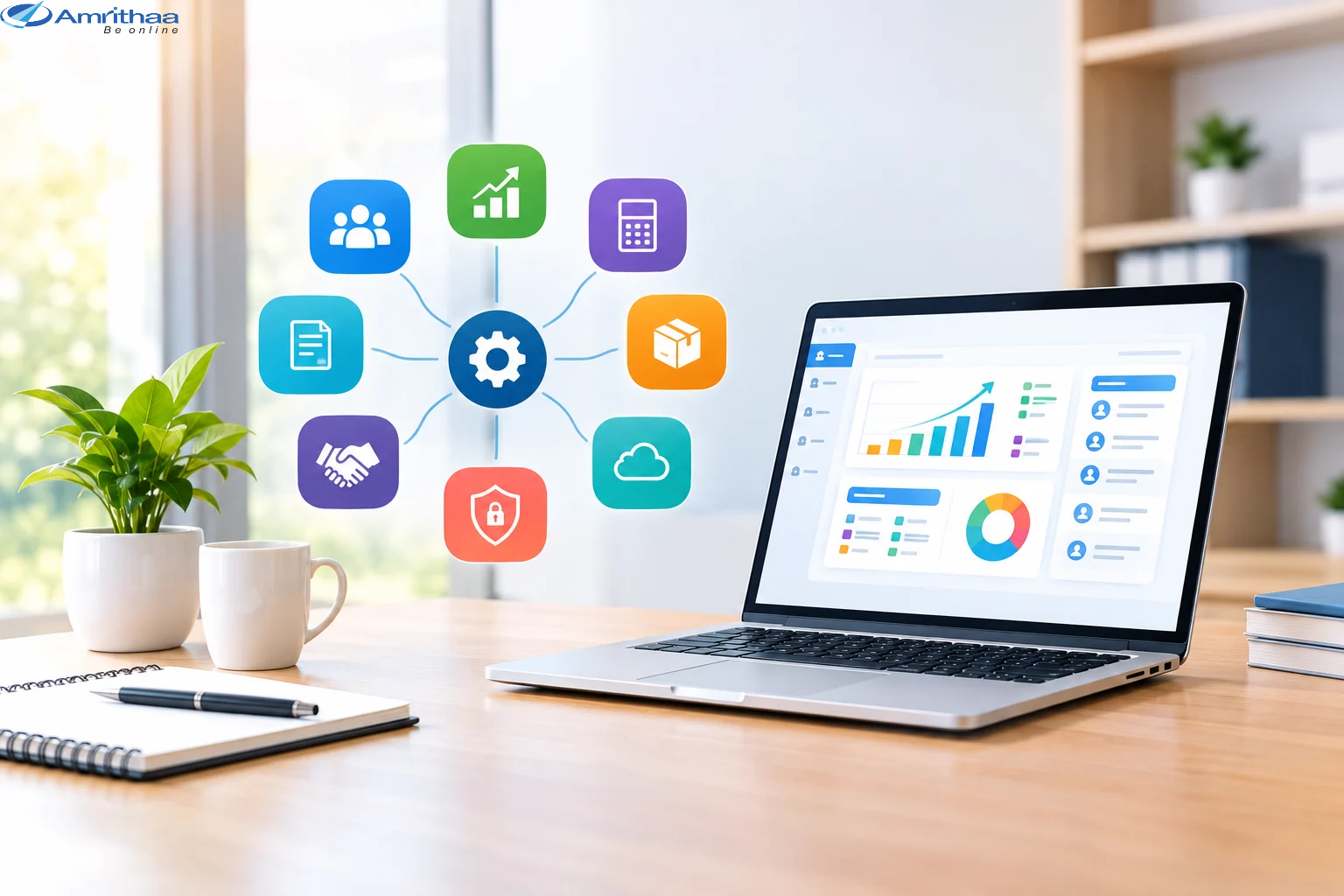
As a business grows, managing daily operations becomes more complex. Tasks such as customer management, accounting, employee coordination, inventory tracking, project management, and reporting require more time and effort. When these activities are handled manually or through multiple disconnected tools, businesses may experience delays, errors, and reduced productivity.
Choosing the right business software can help companies simplify their operations, improve collaboration, and make better decisions. However, with so many software solutions available, selecting the right one requires careful planning.
In this blog, we will explore how growing companies can choose business software that meets their current needs and supports future expansion.
Before investing in any software, identify the challenges your business needs to solve. Different companies have different requirements depending on their industry, team size, workflows, and goals.
Start by evaluating your existing processes. Ask yourself:
For example, a retail business may need inventory and billing software, while a service-based company may benefit from customer relationship management (CRM) and project management tools.
A clear understanding of your requirements will help you choose software that solves real problems instead of paying for unnecessary features.
The right software should make everyday work easier and more efficient. Compare the features offered by different solutions and select the ones that directly support your business operations.
Depending on your requirements, useful features may include:
Choose a solution with a user-friendly interface and practical features. Software should simplify your work rather than create additional complexity.
Cost is an important factor when choosing business software, especially for small and growing companies. However, the cheapest option is not always the most economical in the long run.
Compare subscription fees, setup costs, training expenses, maintenance charges, and potential integration costs before making a decision.
Consider the return on investment (ROI) by evaluating how much time the software can save, how it may reduce errors, and whether it can improve productivity or customer service.
For example, if an automated system reduces repetitive administrative work, employees can focus more on important business activities. Over time, these improvements may justify the software investment.
Choose a pricing plan that fits your budget while providing the functionality your business genuinely needs.
Business software often handles sensitive information, including customer details, financial records, employee data, and internal documents. Protecting this information should be a priority.
Before selecting a solution, review its security features, data protection policies, backup options, and access controls.
Look for features such as:
Also, check how your data can be exported if you decide to change providers in the future. Strong security and clear data ownership policies help protect your business as it grows.
Your company’s needs today may be different from its needs next year. Software that works for a small team may become difficult to manage when your customer base, employee count, or transaction volume increases.
Select a solution that can accommodate business growth without requiring a complete system replacement.
Consider whether the software supports additional users, advanced features, integrations, and increased data volumes. Cloud-based solutions may offer convenient access and flexible capacity, depending on the provider and plan.
Scalable software helps your company adapt to new opportunities while maintaining consistent workflows.
Business software should work effectively with the tools you already use. Poor integration can create duplicate data entry, inconsistent reports, and unnecessary manual work.
Check whether the software can connect with your existing website, eCommerce platform, accounting system, payment gateway, CRM, or communication tools.
Reliable customer support is equally important. Review available support channels, response times, documentation, onboarding assistance, and training resources.
Before committing to a long-term plan, request a demonstration or use a free trial when available. Allow employees who will use the system daily to test it and share their feedback.
Sometimes, ready-made software does not fully match a company’s specific processes. In these situations, custom software development may provide a better fit.
Custom solutions can be designed around your workflows, business rules, reporting needs, and existing systems. They may also support specialized automation and integrations that standard software cannot provide easily.
However, custom development requires careful planning, an appropriate budget, ongoing maintenance, and a reliable development partner. Compare the long-term benefits and costs before deciding between ready-made and custom solutions.
At Amrithaa, businesses can explore digital solutions such as website development, eCommerce development, mobile app development, BPM applications, digital marketing, and website and app maintenance to support their digital growth.
Visit https://www.amrithaa.com/ to learn more about digital solutions for your business.
Choosing business software is an important step toward building a more efficient and scalable company. By identifying your requirements, comparing essential features, evaluating costs, prioritizing security, and checking scalability, you can make a more informed decision.
Remember that the best software is not necessarily the one with the most features. It is the one that fits your workflows, supports your employees, improves customer experiences, and adapts as your business grows.
Ready to strengthen your business with digital solutions?
Explore Amrithaa’s website development, mobile app development, eCommerce, BPM, and digital marketing services at https://www.amrithaa.com/ and take the next step toward smarter business growth.