Excel has been a reliable business tool for decades. From managing customer information and tracking sales to maintaining inventory and preparing reports, many businesses still depend on spreadsheets every day.
However, as a business grows, Excel can become difficult to manage. Multiple files, repetitive data entry, manual calculations, and limited collaboration can slow down operations and increase the possibility of errors.
So, when should a business continue using Excel, and when is it time to consider custom software? Understanding the difference can help businesses choose the right solution for their current needs and future growth.
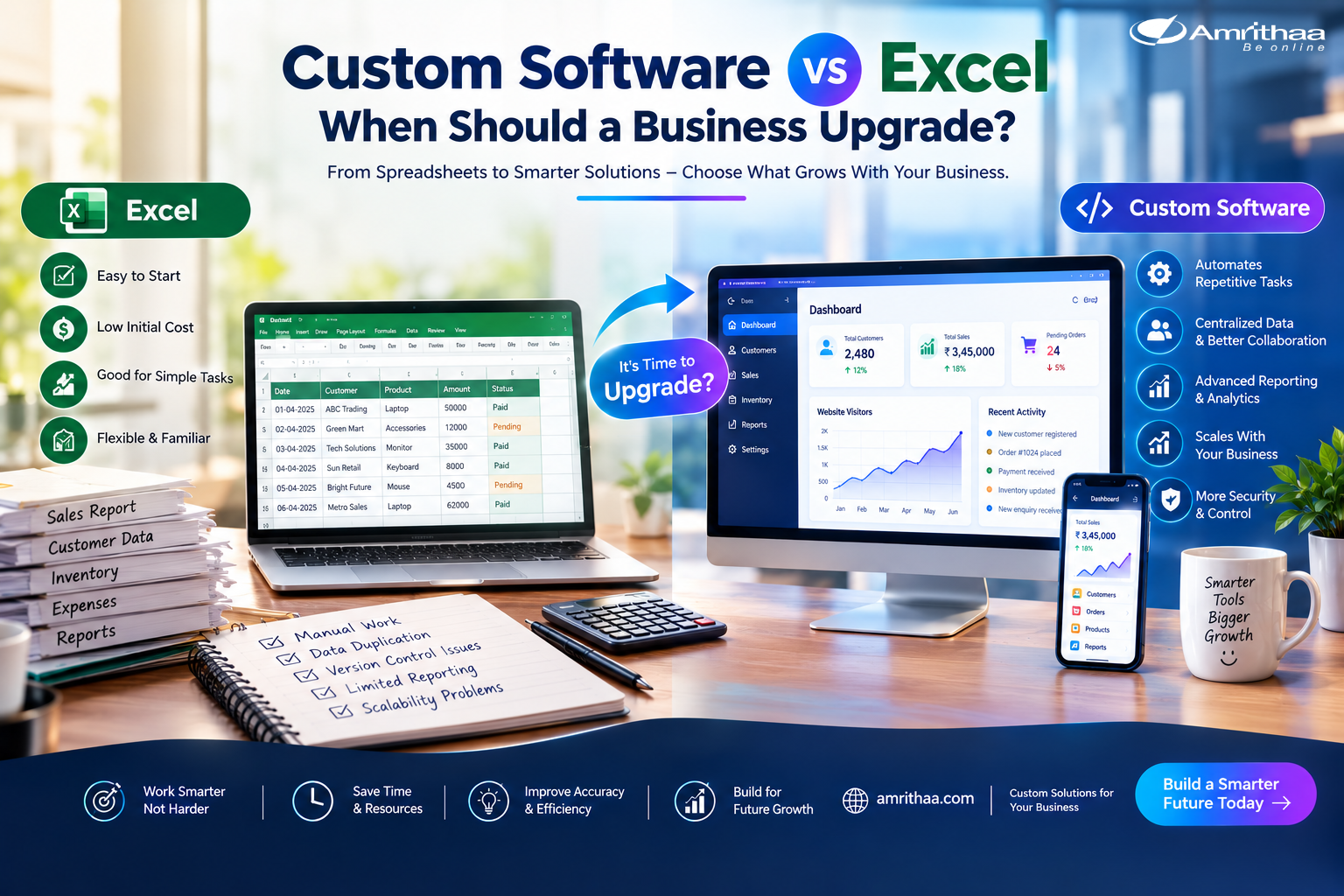
Excel is a flexible and affordable solution for many everyday business tasks. It can be useful for creating budgets, maintaining simple records, preparing reports, calculating expenses, tracking sales, and analyzing data.
For a small business with limited data and straightforward processes, Excel may be more than enough.
It is also easy to start with. Businesses do not need a large technology investment to create a spreadsheet and begin managing information.
However, Excel works best when business processes remain relatively simple. As the number of users, records, and operations increases, managing spreadsheets can become more complicated.
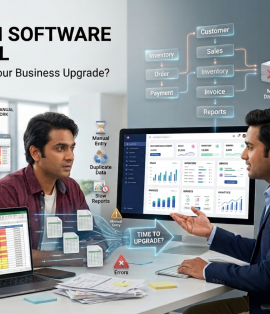
One of the biggest challenges with Excel is manual work. Employees may spend hours entering information, updating multiple sheets, checking calculations, and creating reports.
Another issue is data duplication. When different departments maintain separate spreadsheets, the same customer, product, or sales information may appear in multiple places. Updating one file does not automatically update the others.
Version control can also become a problem. Employees may have different copies of the same spreadsheet, making it difficult to know which version contains the latest information.
As the business grows, these challenges can affect productivity, accuracy, and decision-making.
Custom software is a digital solution developed around a company’s specific processes and requirements.
Instead of asking employees to adapt their workflow to a generic tool, custom software can be designed around how the business actually operates.
For example, a custom system could combine customer management, sales tracking, inventory, employee tasks, notifications, reports, and follow-ups into one platform.
A business could also automate repetitive tasks such as assigning leads, sending notifications, generating reports, updating records, or tracking customer follow-ups.
This can reduce manual work and give teams a centralized system for managing important business information.
The right choice depends on the size and complexity of the business.
| Factor | Excel | Custom Software |
| Setup | Quick and simple | Requires planning and development |
| Cost | Low initial cost | Higher initial investment |
| Data Management | Suitable for smaller datasets | Suitable for larger and structured data |
| Automation | Basic to moderate | Highly customizable |
| Multiple Users | Can become difficult | Designed for controlled collaboration |
| Reporting | Manual or formula-based | Automated and customized |
| Scalability | Limited as complexity grows | Can grow with business needs |
| Integration | Limited or requires additional tools | Can integrate with business systems |
| Security | Depends on file and access controls | Can include role-based access and security features |
Excel is often the better choice when the process is simple, the team is small, and the amount of data is manageable.
Custom software becomes more valuable when the business needs automation, centralized data, advanced reporting, integrations, or more control over workflows.
There is no single point at which every business must move away from Excel. However, several warning signs can indicate that an upgrade is worth considering.
If employees are spending too much time updating spreadsheets, if mistakes are becoming frequent, or if important information is spread across multiple files, it may be time to evaluate a software solution.
Other signs include increasing customer enquiries, growing sales operations, complex inventory management, multiple departments sharing data, or a need for real-time reports.
Businesses should also consider upgrading when employees repeatedly perform the same manual tasks that could be automated.
The goal is not to replace Excel simply because custom software is newer. The goal is to identify whether technology can save time, improve accuracy, and support business growth.
Before investing in custom software, businesses should review their current processes.
Identify which tasks take the most time, where errors occur, which information needs to be shared, and what reports management needs regularly.
Start with the biggest operational problems rather than trying to automate everything at once. A focused software solution can often provide more value than a large system filled with unnecessary features.
At amrithaa.com, businesses can explore digital solutions designed to improve workflows, automate operations, and support long-term digital growth.
Excel remains an excellent tool for simple business processes, but growing businesses may eventually outgrow spreadsheets.
When manual work, data duplication, errors, limited reporting, and complex workflows start affecting productivity, custom software can provide a more scalable approach.
The right time to upgrade is not simply when the business becomes bigger. It is when the limitations of existing tools begin to cost more time and efficiency than the investment required for a better solution.
Ready to improve your business workflow? Visit amrithaa.com to explore custom software and digital solutions designed around your business needs.